Let your family know where you are — with just one QR code
Parents, partner or kids scan once and keep it. Any time later they can see where you are, where you are heading and when you will arrive — even with your screen off.
How it works
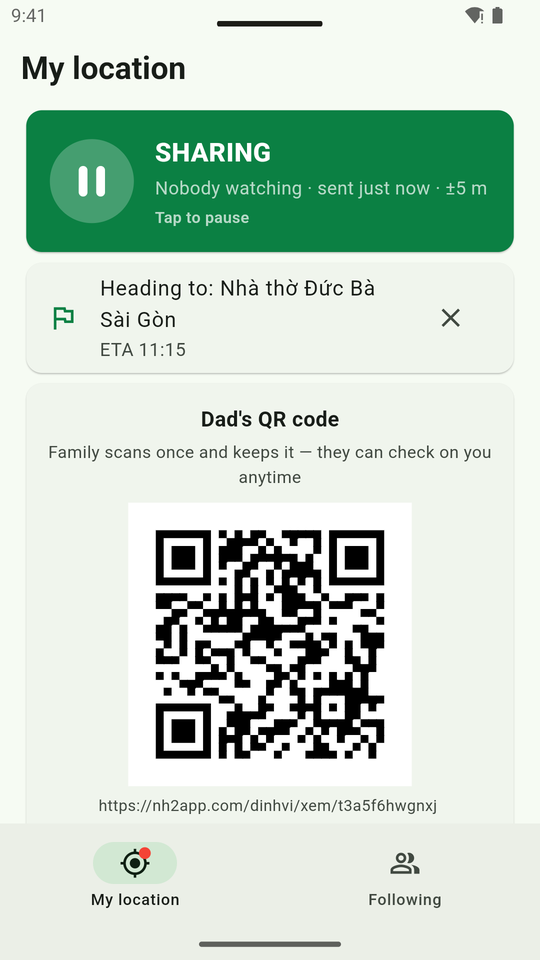
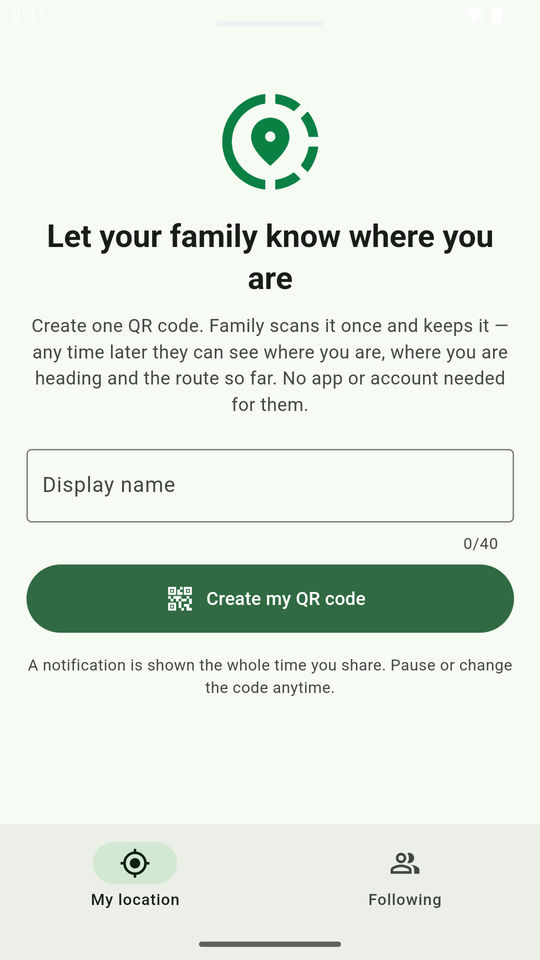
Create your QR code
Open the app, enter a name (e.g. "Dad"), tap Create. One code per person, forever.
Family scans it once
With the phone camera, or send the link via any chat app. It is saved on their phone.
Check any time
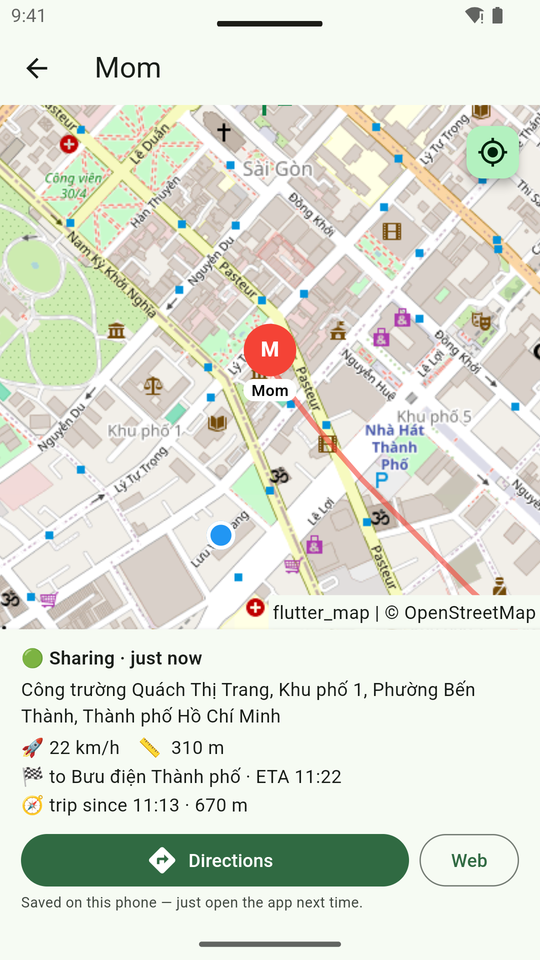
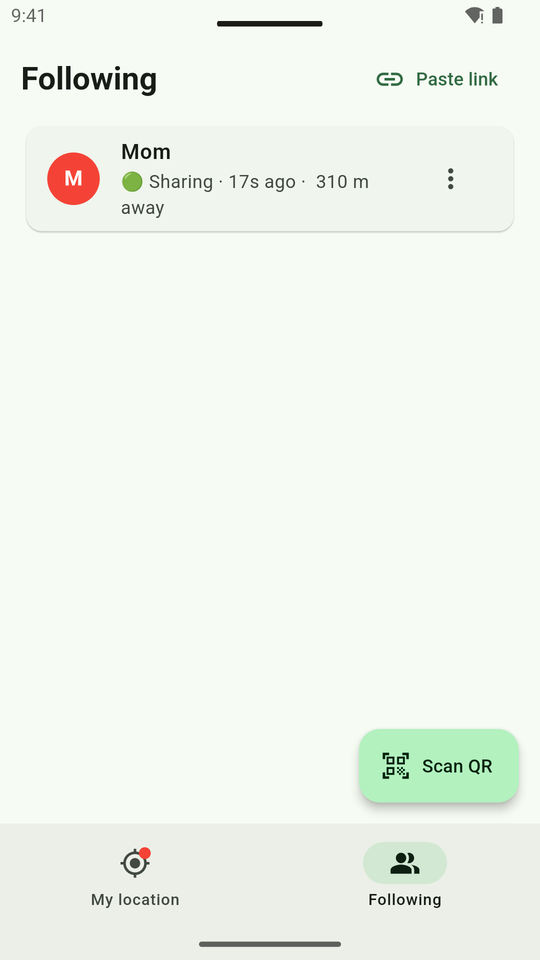
They reopen the link (or the app → Following): your position, route so far, destination and ETA.
Features
Works with the screen off
Phone in your pocket, location keeps updating. A status-bar notification always shows while sharing.
Destination & ETA
Set a destination — family sees where you are going and your ETA; arrival is detected automatically.
Your route so far
Your route is drawn on the map with distance. Start a new trip any time.
One-tap pause
Paused: family only sees your last location and time — or nothing at all, your choice.
Viewers need no app
Open the link in any browser — iPhone, Android or computer. The app adds a family list and directions.
Battery friendly
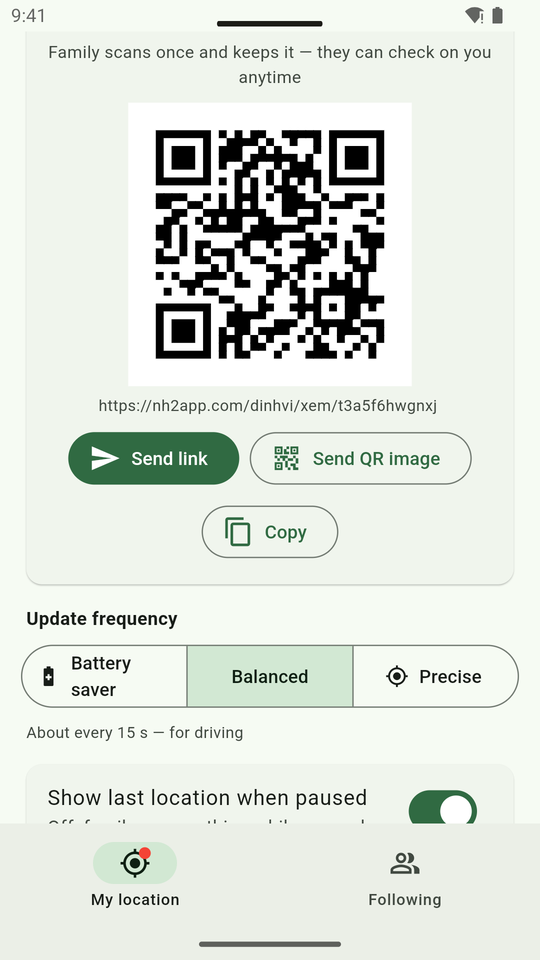
3 modes: Saver (~1 min), Balanced (~15 s), Precise (every few seconds).
Change code anytime
Sent it to the wrong person? Change the code — the old one stops working instantly.
Private
No account, no ads, no data selling. Routes are kept for 48 hours at most.
Vietnamese & English
Follows your phone language; Android 13+ can set a per-app language.
Screenshots
FAQ
Does my family need the app?
Does it drain the battery?
Can it track me secretly?
What if my phone restarts?
Sharing stops by itself?
What about iPhone?
How long is data kept?
Is it free?
Get Share Location
Android 7.0+ · about 50 MB · version 1.0.0
⬇ Download APK- Open the downloaded file → if asked, allow "Install unknown apps" for your browser.
- Open the app → enter a name → Create QR code → allow Location ("While using the app", Precise on).
- Send the code to your family — done.